save from anywhere
Share a link, image or text from any app and a small sheet appears over the app you came from. The card folds into the trace mark, you see “Saved”, and you can add tags or put it in a Space without leaving what you were doing.
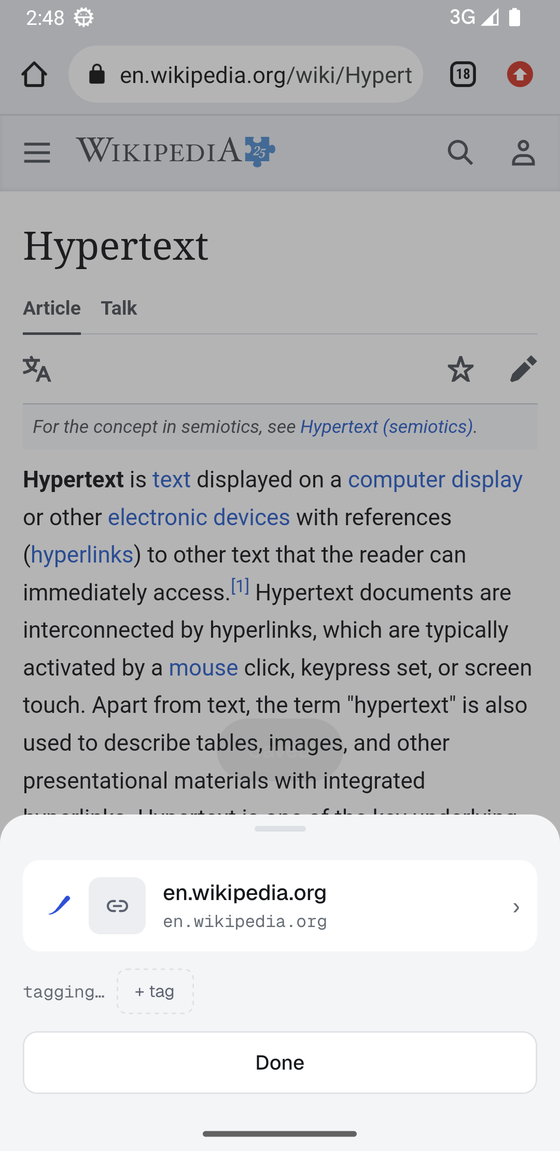
tags without a model
Every save gets tags on its own: proper nouns and repeated terms from the page, text read out of images, the site it came from. Turn on Intelligence and the model you chose adds richer tags, a summary and semantic search. Its tags look and behave like your own.
search that reads the whole page
Articles are saved with their full text and indexed, so a search finds the word inside the piece, not only in the title. Operators narrow things down; press Enter to turn a term into a chip and keep typing. A search you want to keep becomes a Space.
tag: type: site: text: before: after: “phrase” -not
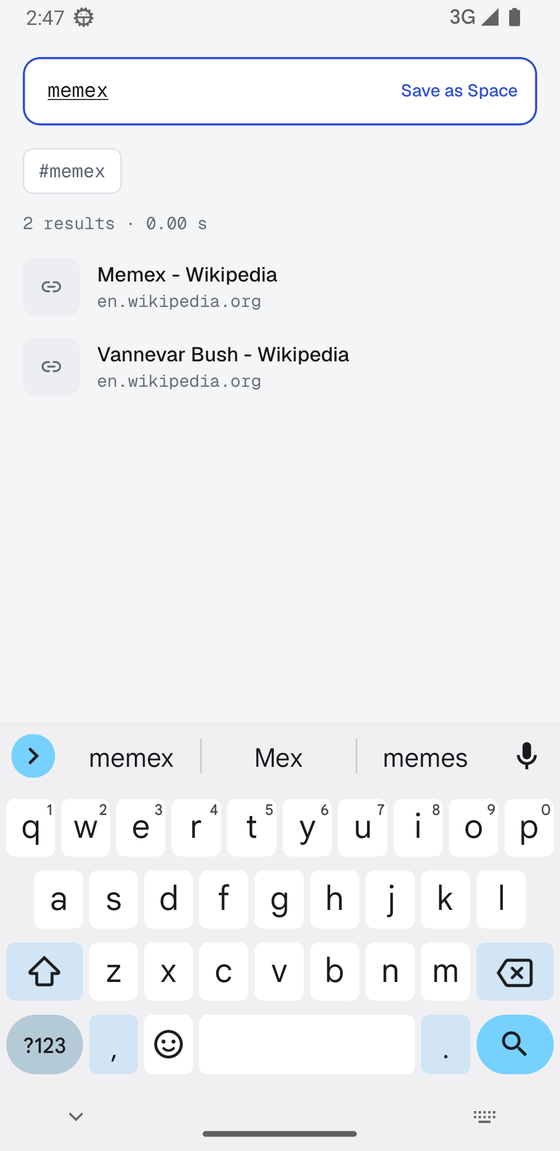
previews for the links you actually save
Instagram posts and reels, YouTube, TikTok, Reddit, Threads, Spotify and most pages arrive with a title and an image, even the ones that show browsers an empty shell. The words on a preview (the hook on a reel, the title on a slide) are read on the device, so “stop making boring websites” finds the reel that says it on screen. Imports and restores fetch any previews they are missing.
ask your library
Type a question in search and the model answers from your cards, citing each one; tap a citation to open the card. It reads nothing but your own cards, and when nothing matches it says so. Works with your own key, or slowly with the model on the phone.
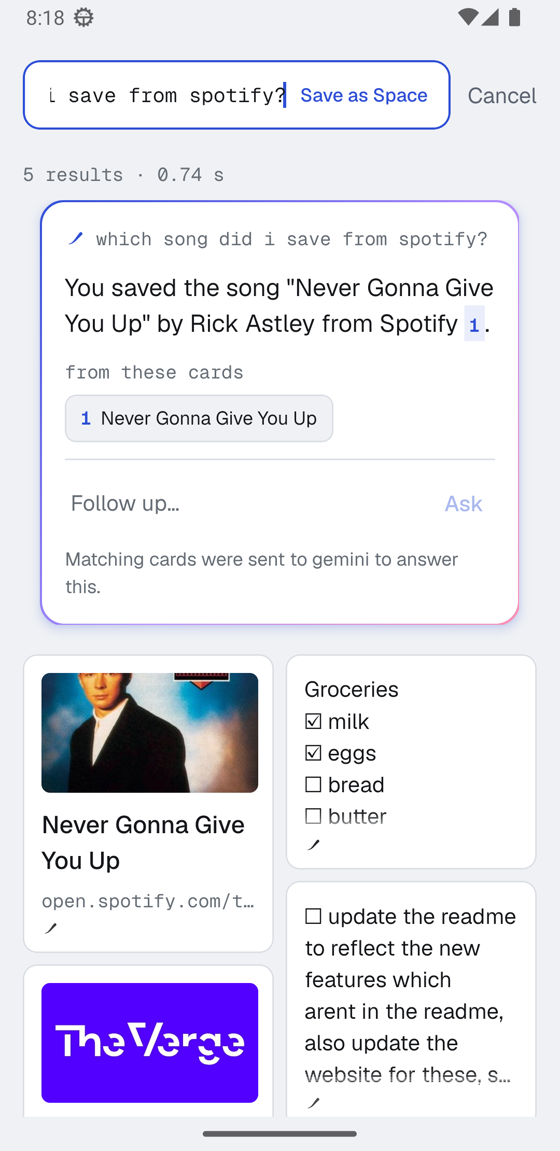
notes that turn into lists
Write in markdown and the note opens formatted, checkboxes included. Tap a line to edit just that line. Type a plain list and engram offers to prettify it into a titled checklist, with the model if you have one, without changing a word. One tap puts your text back.
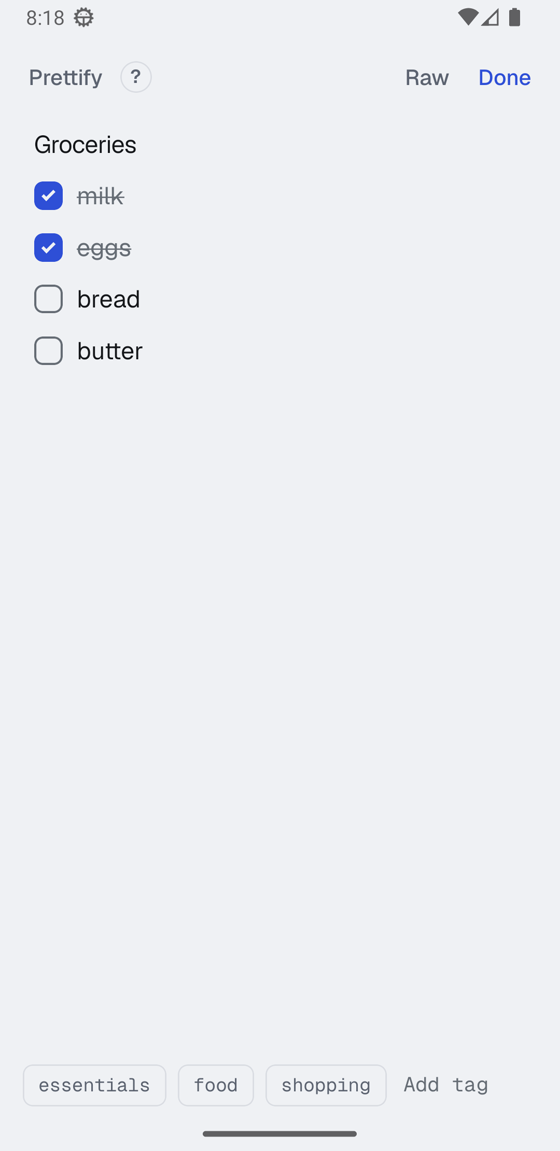
resurface
Cards you have not opened in a while come back a few at a time. Strengthen the ones that still matter, let go of the rest. Letting go keeps a card for 30 days, and Undo is one tap away.
sync through storage you already own
Link a second phone by scanning a code and your library syncs through your Google Drive, iCloud Drive, or any WebDAV server. Everything is encrypted before it leaves the device, with a key only you hold, written down as 12 words. The provider sees file sizes and timestamps, nothing else.
leave whenever you like
Export is a zip with your original files, JSON, a CSV with every tag and summary, and markdown notes you can drop into Obsidian. Import takes a mymind export, Raindrop and Pocket CSVs, browser bookmarks, and markdown folders.